Launchpad
LKG to Class 2
Picture puzzles, patterns and sorting games build early logic. No reading or typing needed.
Coding for every learner, LKG to Class 12
From first picture puzzles in LKG to real programming in Class 12. Short videos, animated lessons and games that grow with your child, plus a parent dashboard to cheer on every win.
Works in your web browser on any phone, tablet or computer. Nothing to download.
No ads. No chat with strangers. A progress view for parents.
my_program
Lesson complete!
3 of 3 stars15,000+
Students mentored
A proven legacy
The CWC Playground way of teaching, carried forward
Built on experience
Every lesson shaped by years of teaching children to code
Crafted for results
Designed around what helps children learn best
How a lesson works
Every lesson follows the same calm, confident rhythm, so children always know what comes next.
Step 1
A short, friendly video introduces one big idea at a time.
Step 2
Animated explainers show the idea in action, step by step.
Step 3
Puzzle games put the idea to work. No typing needed.
Step 4
A quick quiz with instant, kind feedback locks it in.
See it in action
On any phone, tablet or computer. Real screens from the four programs, shown with sample learners.
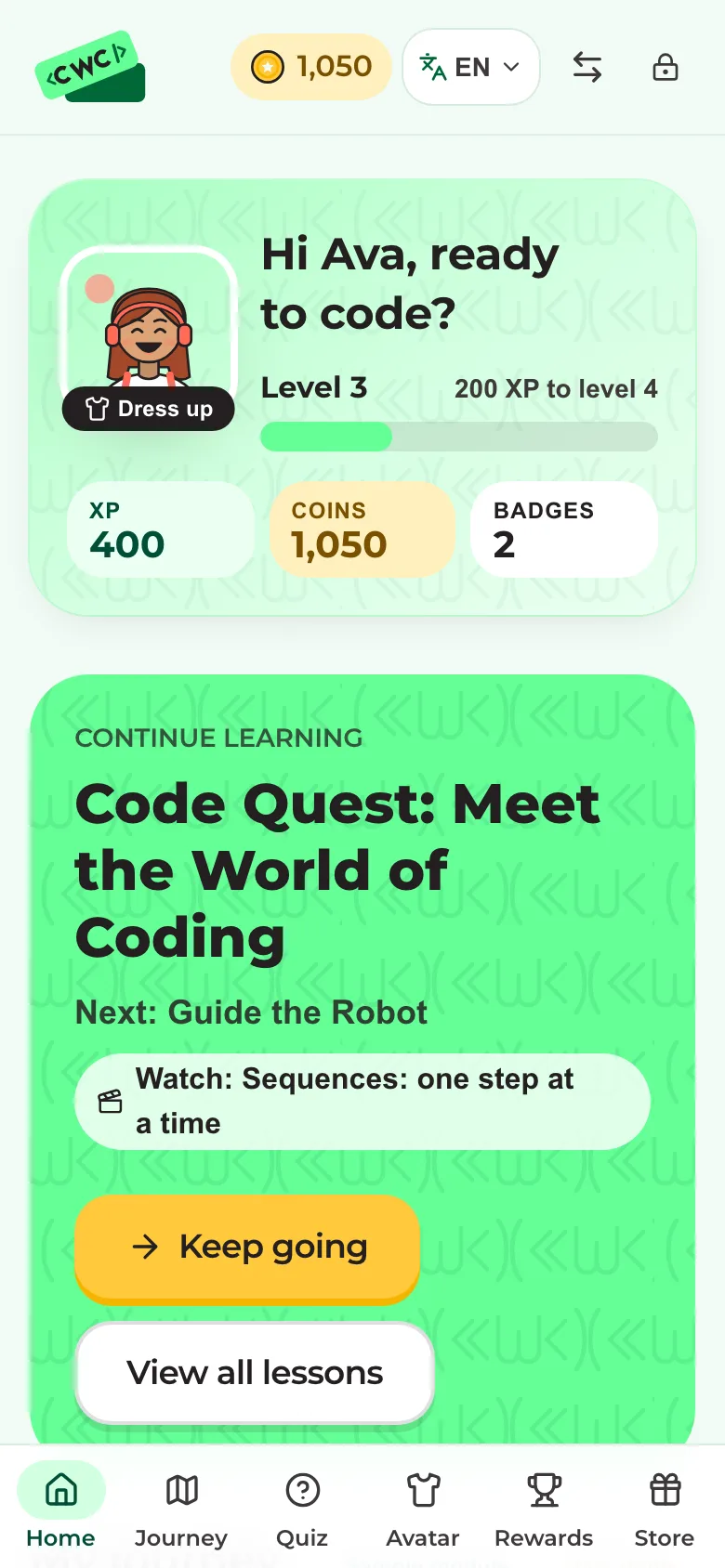
Avatar, level, coins and the next lesson, all in one place.
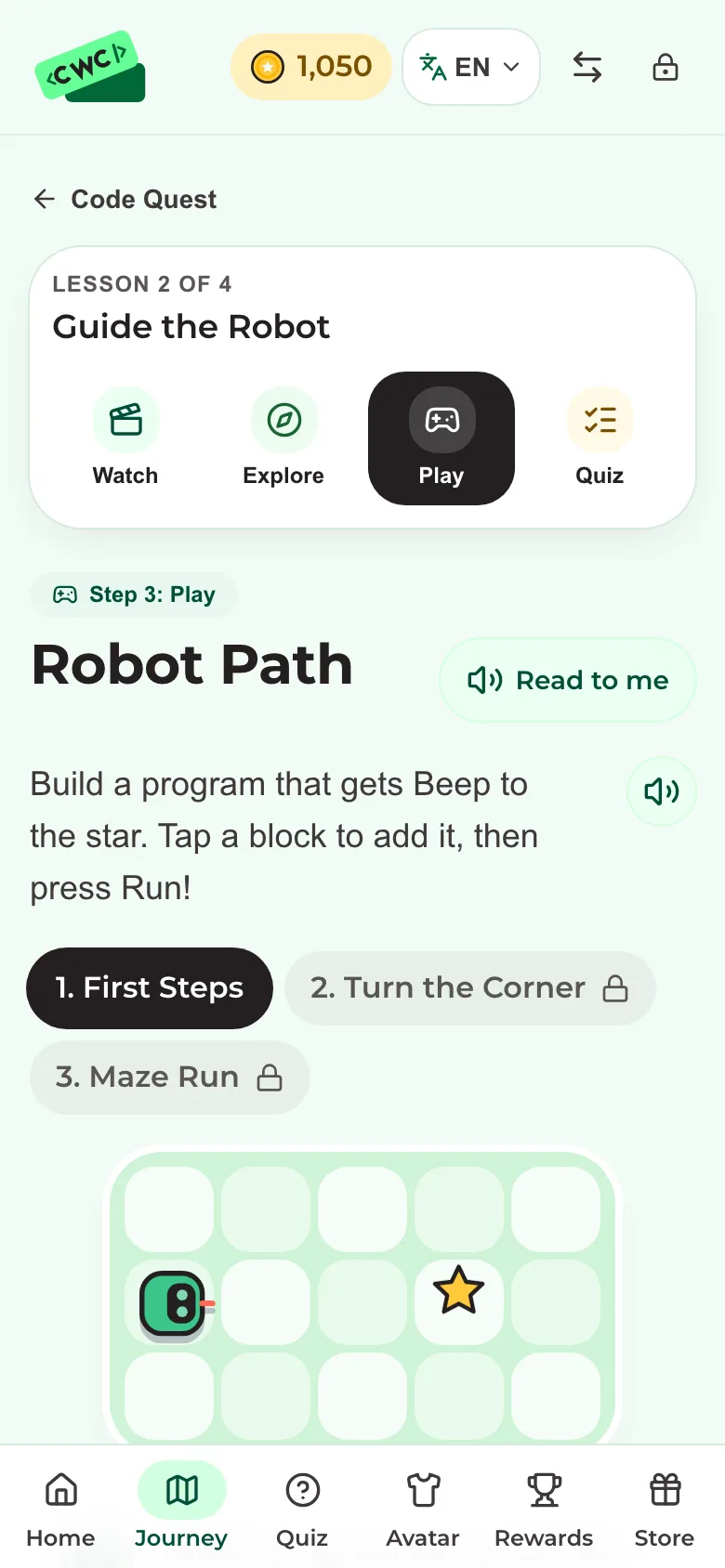
Tap blocks, press Run and watch Bit follow the program.
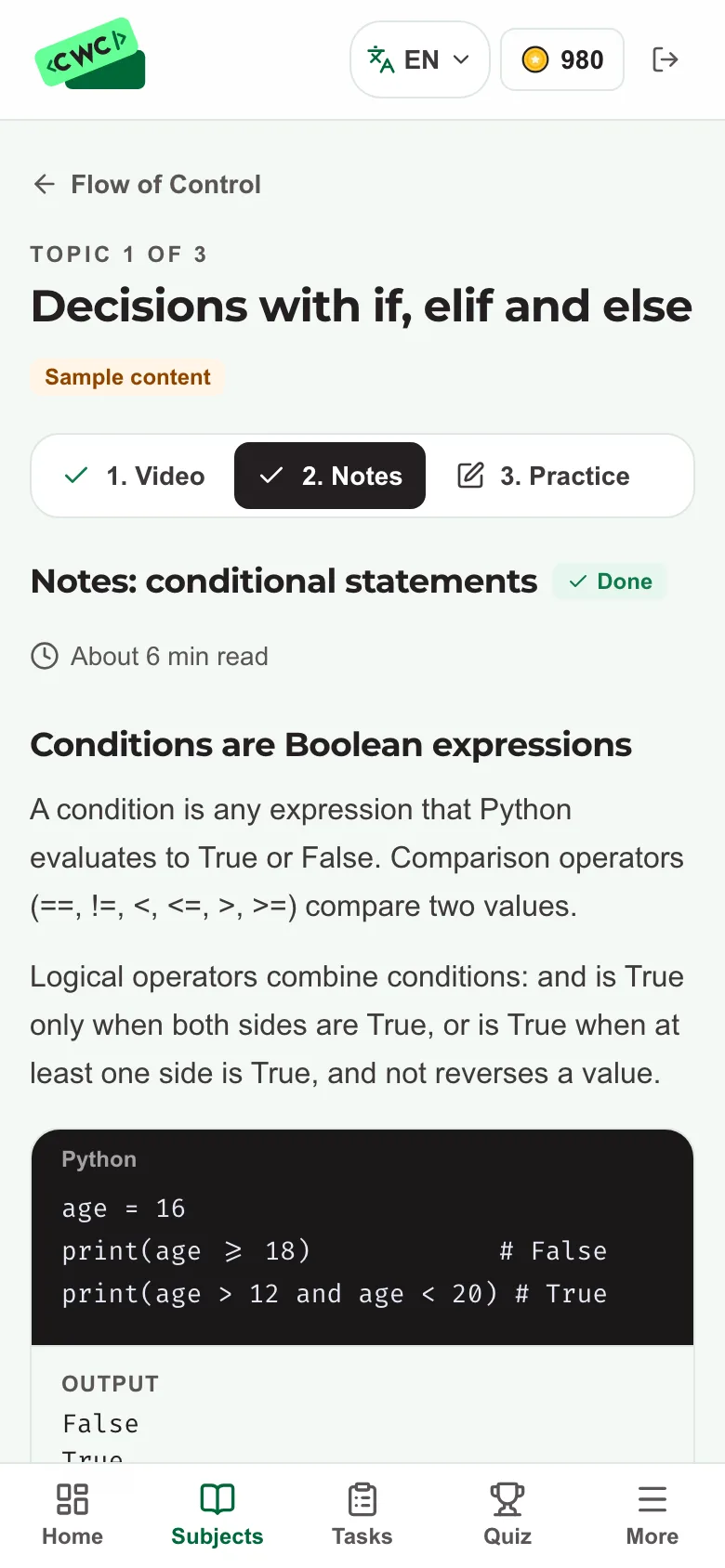
Clear notes and worked Python examples for each topic.
LKG to Class 12
Each stage builds on the last, so learners always meet the right challenge, from first patterns to full projects.
LKG to Class 2
Picture puzzles, patterns and sorting games build early logic. No reading or typing needed.
Class 3 to 5
Block coding, robot puzzles, loops and debugging through stories and games.
Class 6 to 8
Make games, animations and interactive projects while stepping from blocks to code.
Class 9 to 12
Real programming languages, web and app projects, and strong computer-science foundations.
Stage pathways and sample lessons are being prepared with CWC Playground.
Learning by playing
In Robot Path, children build a program from picture blocks and watch Bit run it. When something goes wrong, they debug it, exactly like real coders do.
Sequencing, loops and debugging: the core ideas behind every program.
Stars, badges and celebrations reward effort and clever solutions.
Hints and gentle feedback keep frustration low and confidence high.
Try it: guide Bit
PlayableTap blocks to tell Bit how to reach the star.
Mapped to the CBSE curriculum
A planned path of courses for every class, mapped to CBSE topics in computational thinking, AI and computer science. Each course ends with a certificate anyone can check.
For parents
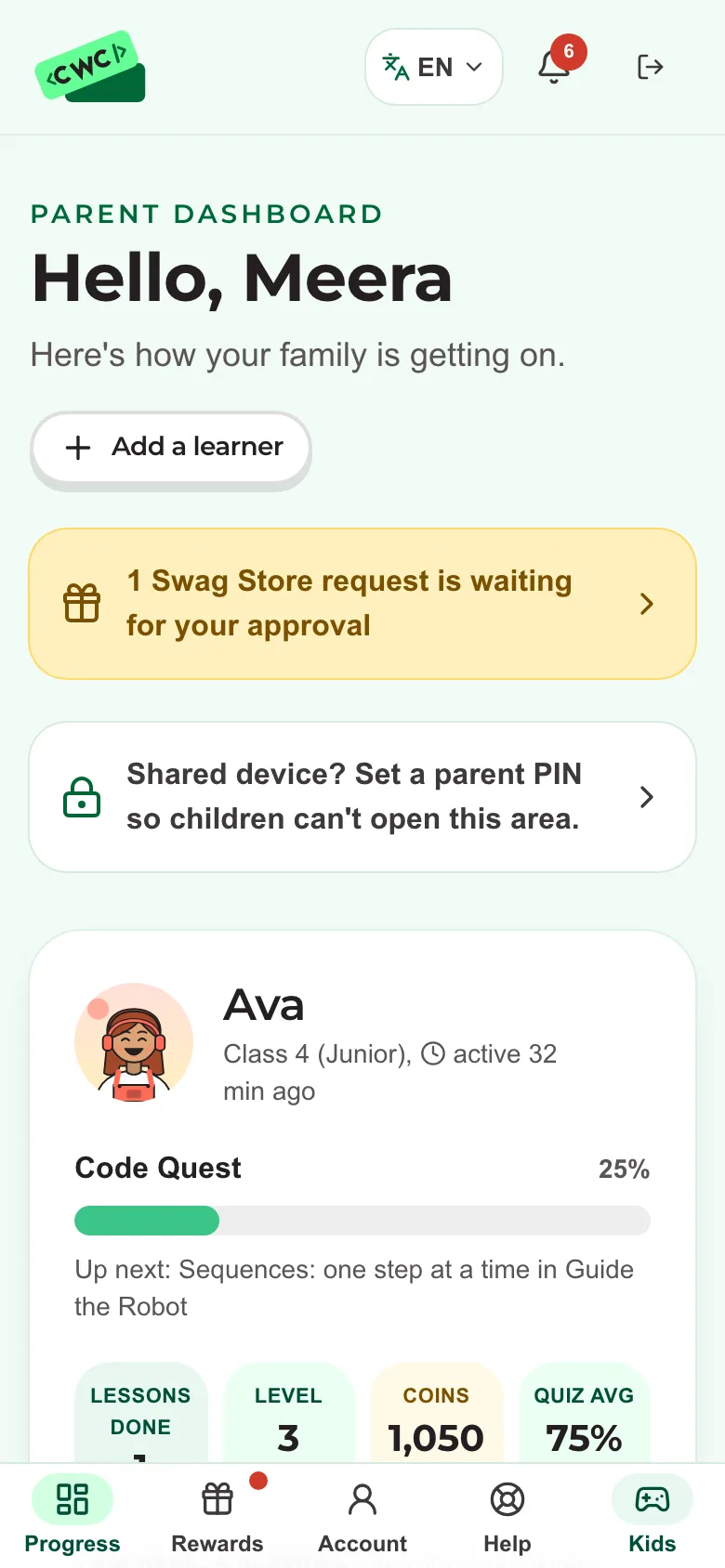
One parent account, a profile for each child, and a clear view of what they're learning.
Lessons finished, quiz scores, game stars and badges per child.
No public profiles, no open chat and no photos of children.
Your child's learning opens only after you confirm their account by email.
Mistakes are part of learning, and we celebrate trying again.

About us
Make computational thinking and coding approachable and rewarding through short lessons, play and steady progress that families can see.
Dr. Sonal Kukreja
Founder, Assistant Professor, Bennett University
Technology partner
Plans
Each program has its own course, built for its classes. One plan per program, per child, per month. Scholarships available.
Launchpad and OrbitLKG to Class 5
Galaxy and CosmosClass 6 to 12, CBSE
Scholarships are available for eligible learners. T&C apply.
Questions
Every class from LKG to Class 12, in four programs: Launchpad (LKG to Class 2), Orbit (Class 3 to 5), Galaxy (Class 6 to 8) and Cosmos (Class 9 to 12). Galaxy and Cosmos follow the CBSE structure. Each program has its own course.
No. CWC Playground is a website that works in the web browser on any phone, tablet or computer, such as Chrome, Safari or Edge. There is nothing to install from the Play Store or App Store: just open www.childrenwhocode.com and log in.
Not to start. Early stages use picture blocks you tap or drag, so children learn to think like a coder (sequencing, loops and debugging) before typing real code in the senior classes.
A nickname, their class and an email to sign in with (it can be yours), plus your name, email and mobile number so you can confirm the account. Their full name is asked for only to print on their course certificate. No photo or birth date, no public profiles and no chat with other users.
Yes. The parent dashboard shows lessons completed, quiz scores, game stars and badges for each child on your account.
Yes. A learner who finishes every required part of their program's course earns a certificate with a unique ID that anyone can check online. It prints the student's full name, which you add in their profile.
Prices are per child, per month, and depend on the program, with one plan for each. A program's price appears on the Plans page when it opens for enrolment. Scholarships are available for eligible learners.
Explore the four programs, or ask us anything.
We count visits anonymously to improve this site. May we also remember this browser (a random ID, no personal details) to understand repeat visits?